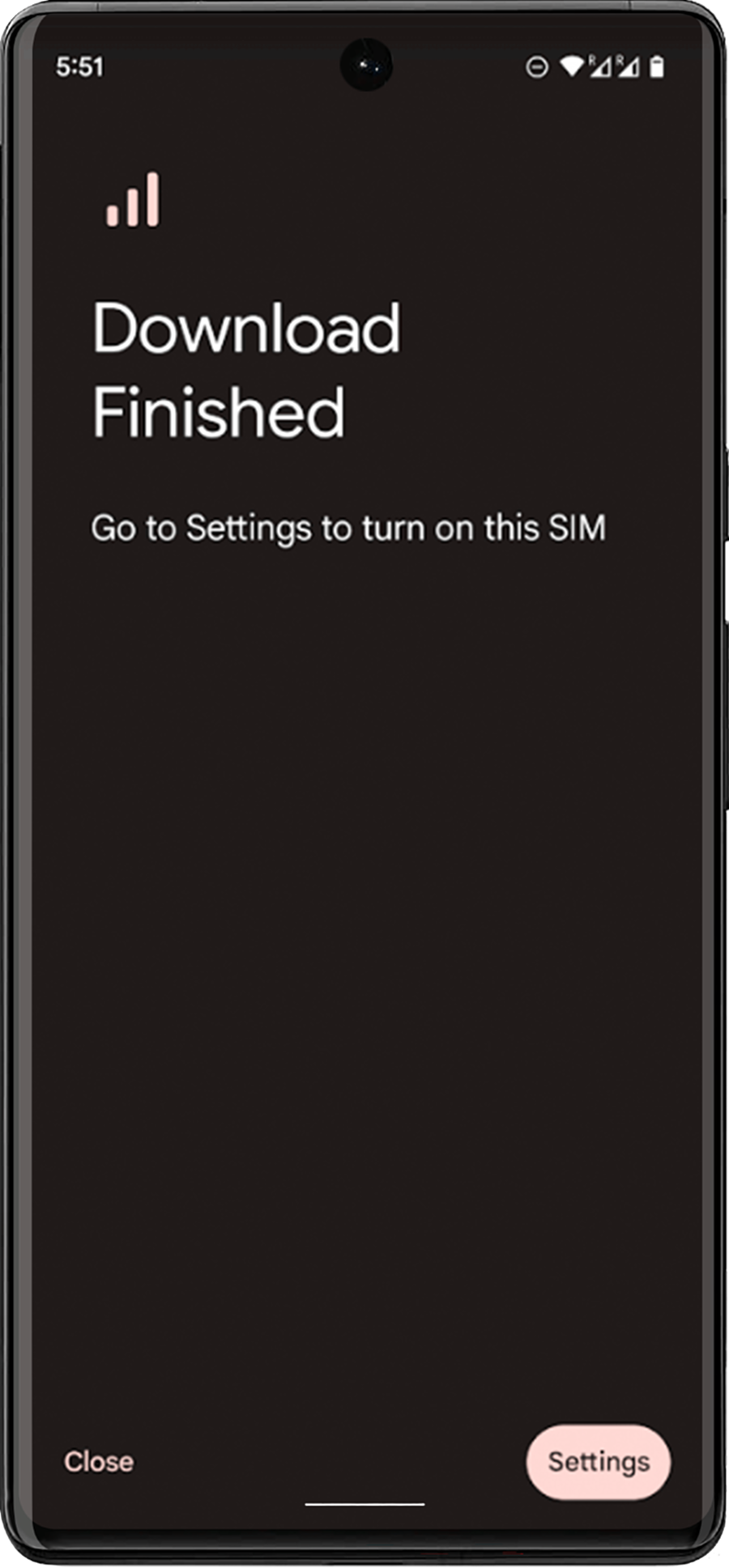
Installing Instructions
01. Select the QR code option at the top
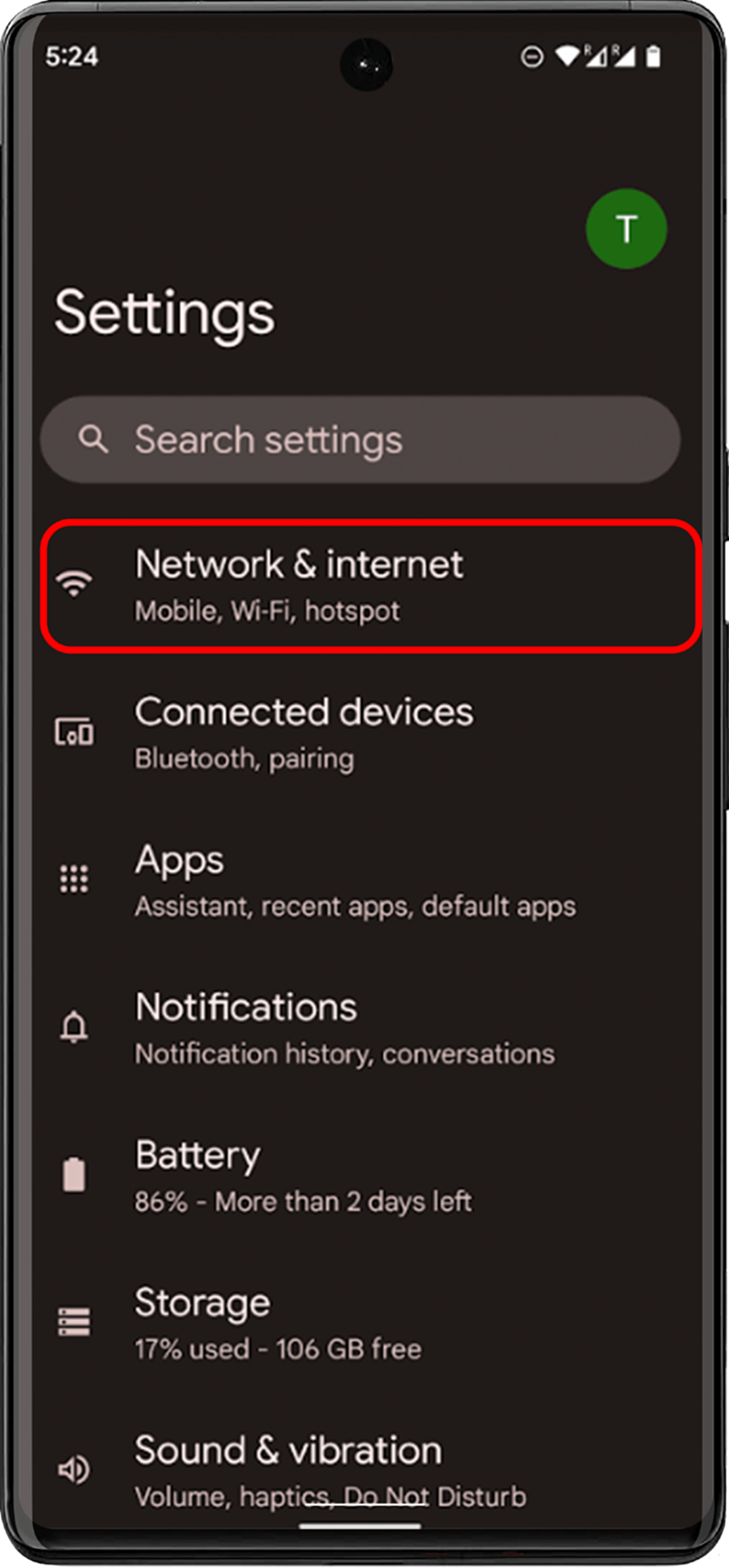
02. Go to 'Settings > Connections'
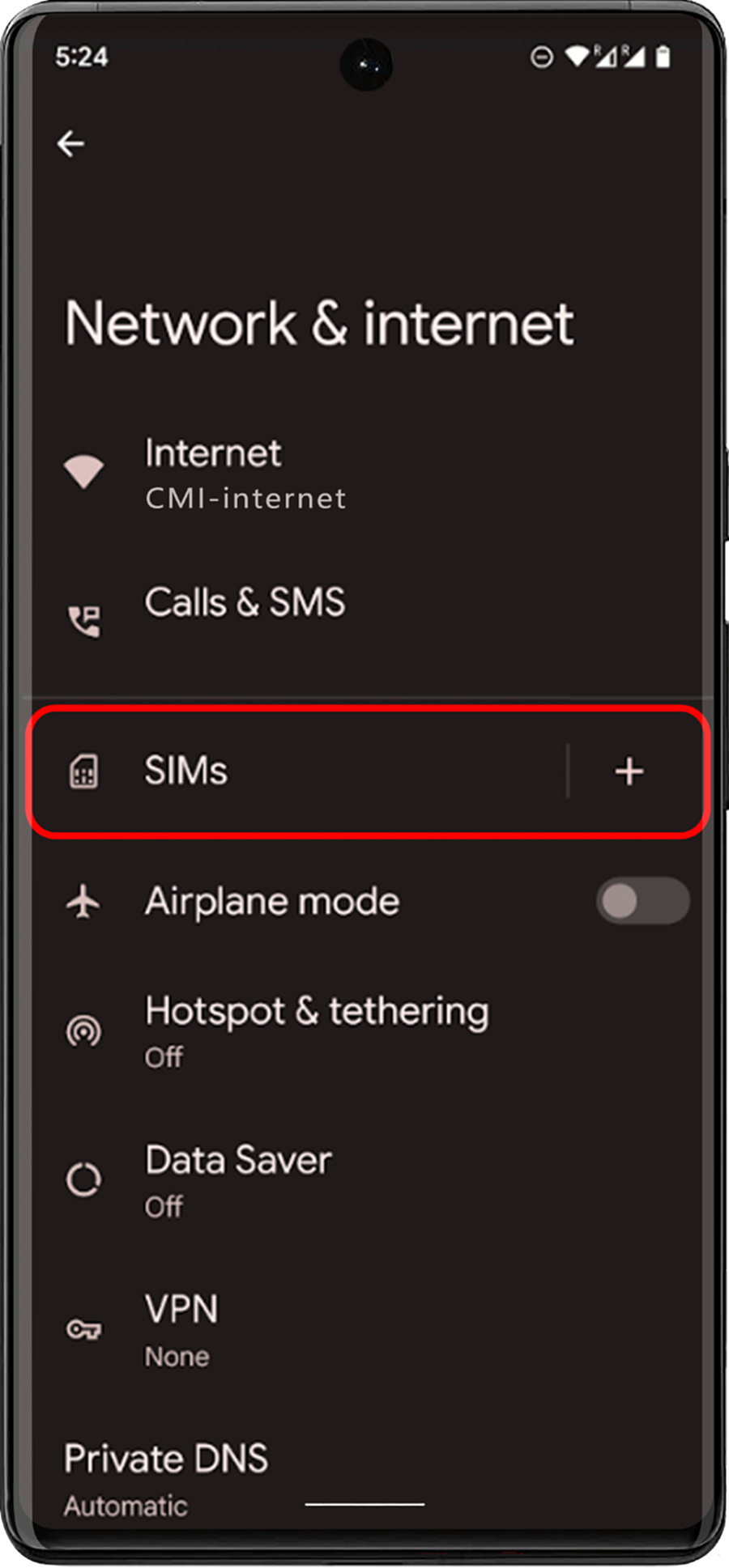
03. Tap 'SIM Card Manager'
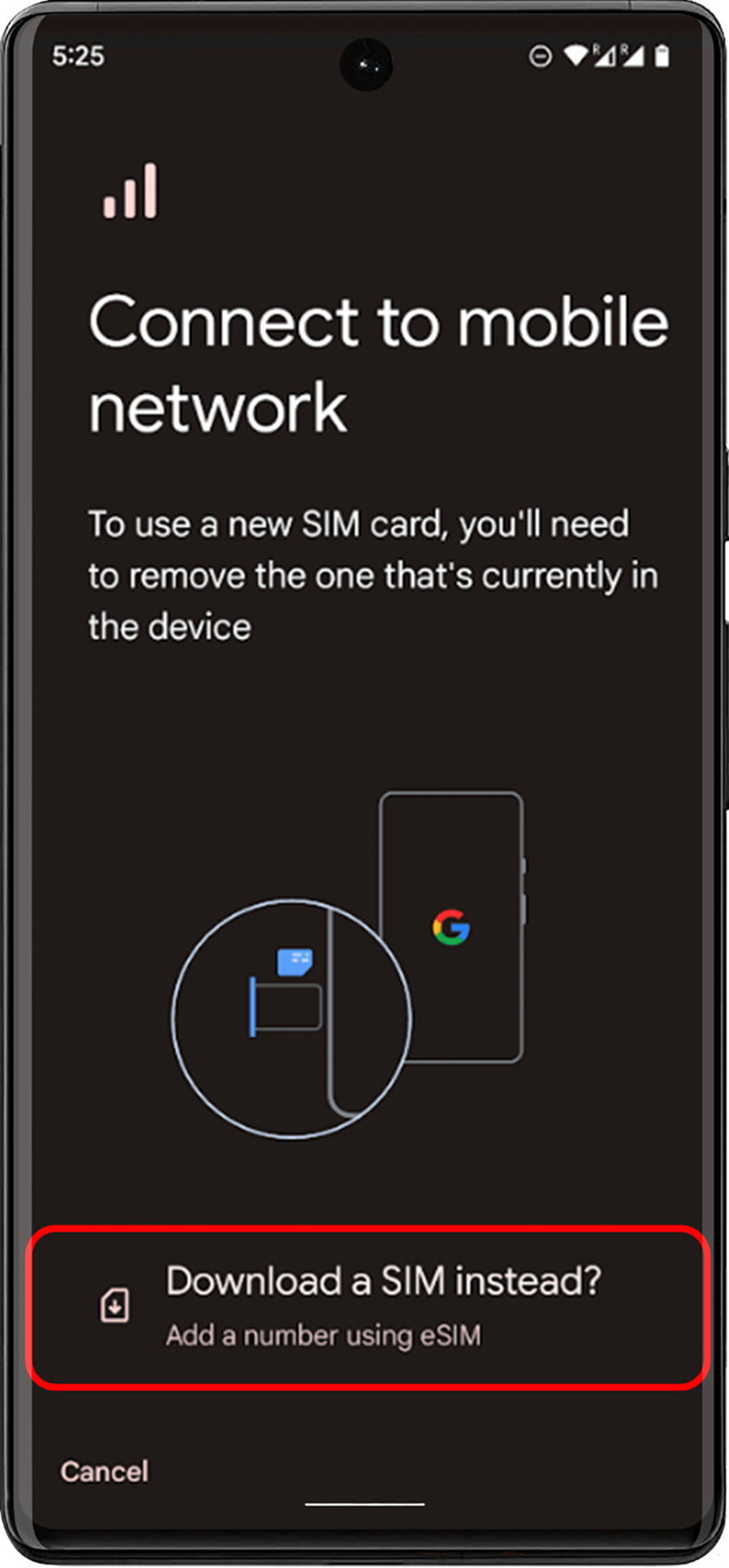
04. Select 'Add Mobile Package'
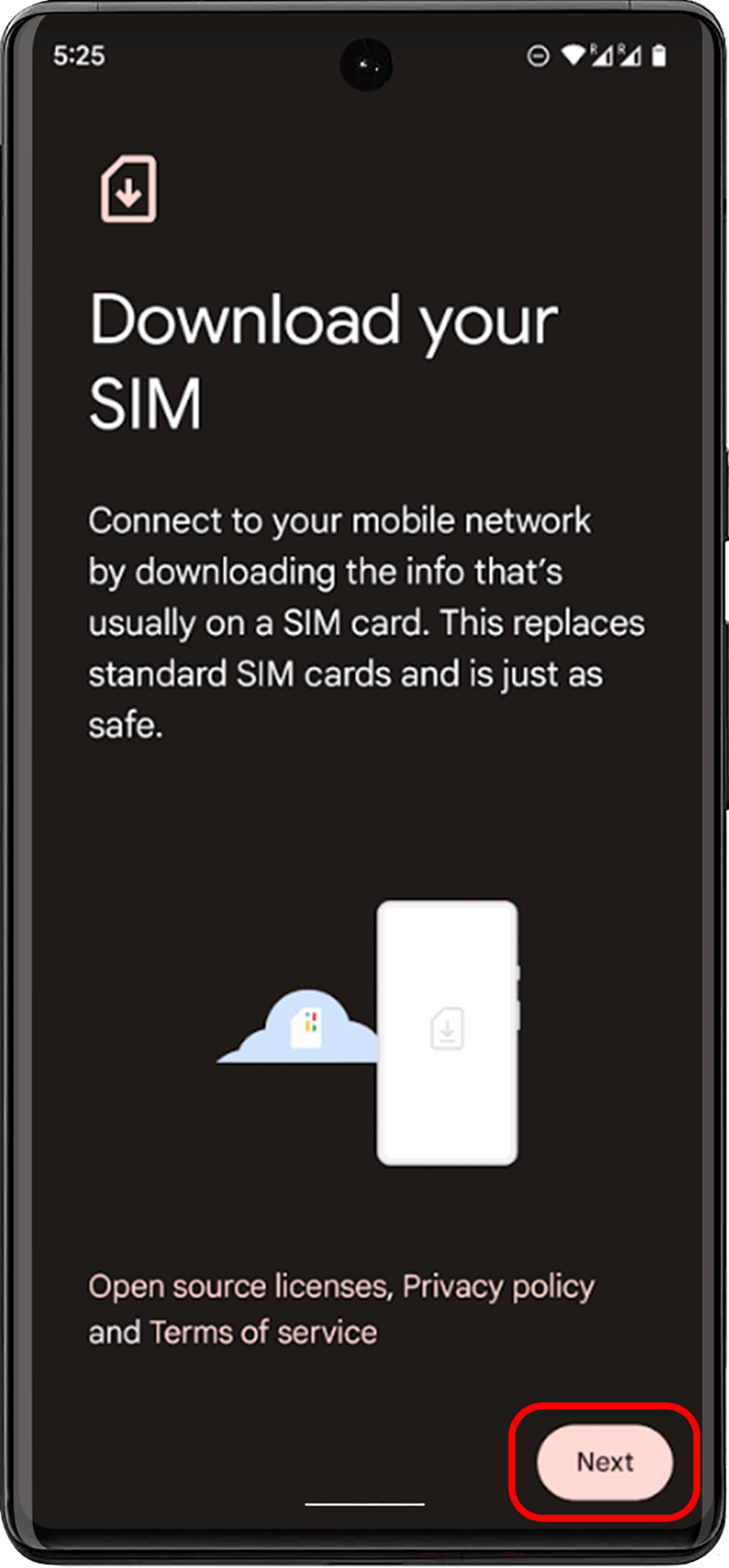
05. Select 'Scan operator QR code'
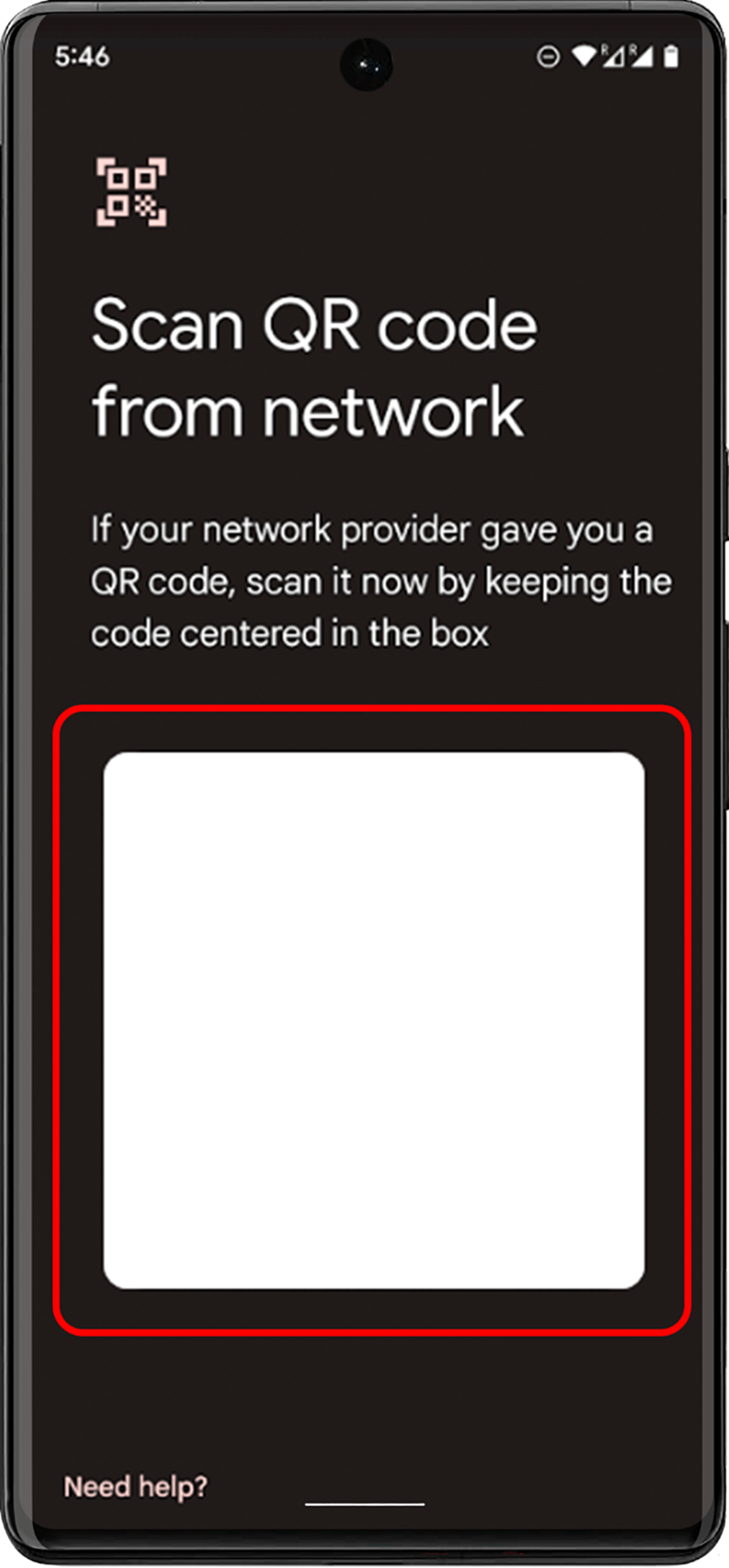
06. Scan the QR code by placing it inside the guide line and enter the confirmation code when prompted
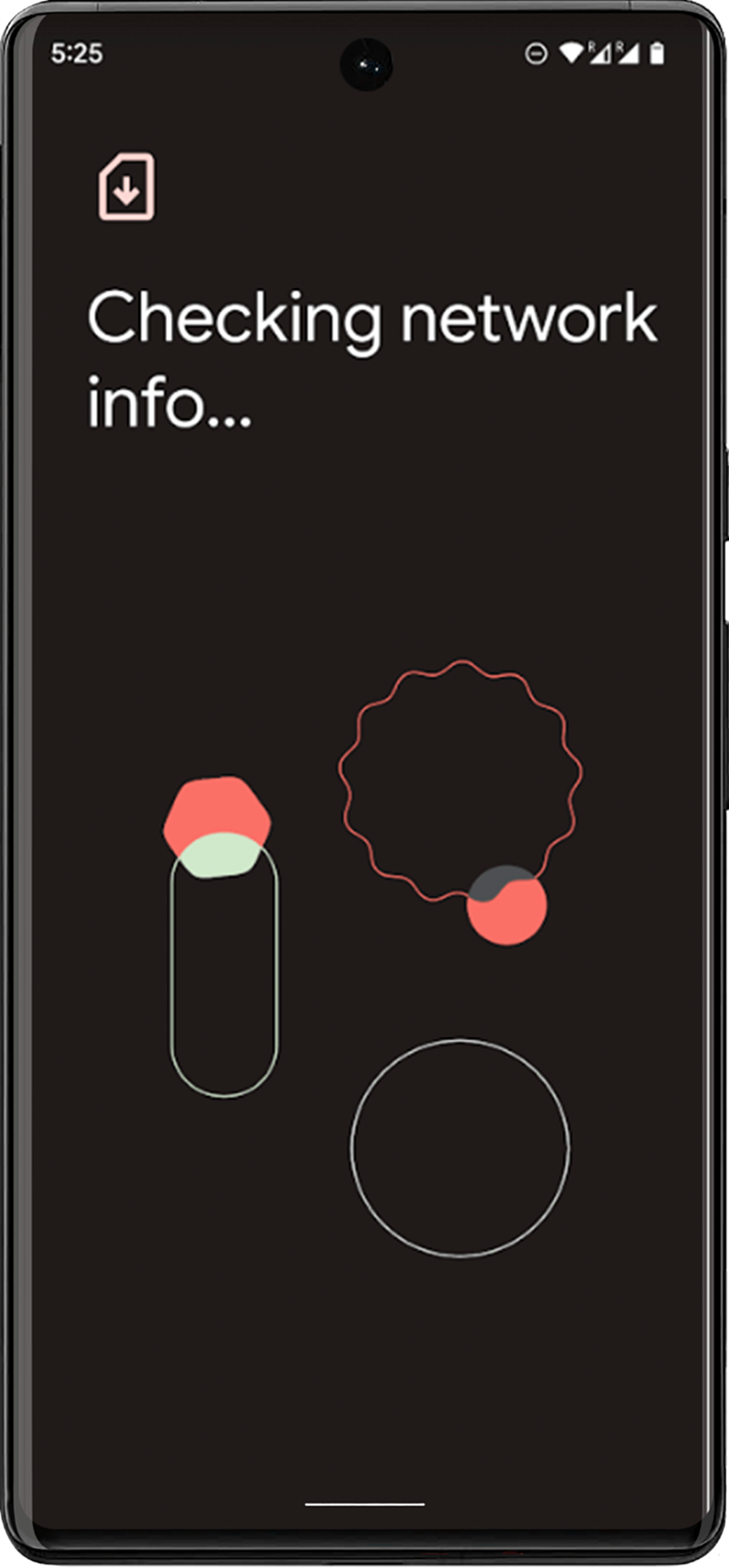
07. Tap 'Add' when the eSIM Option is detected
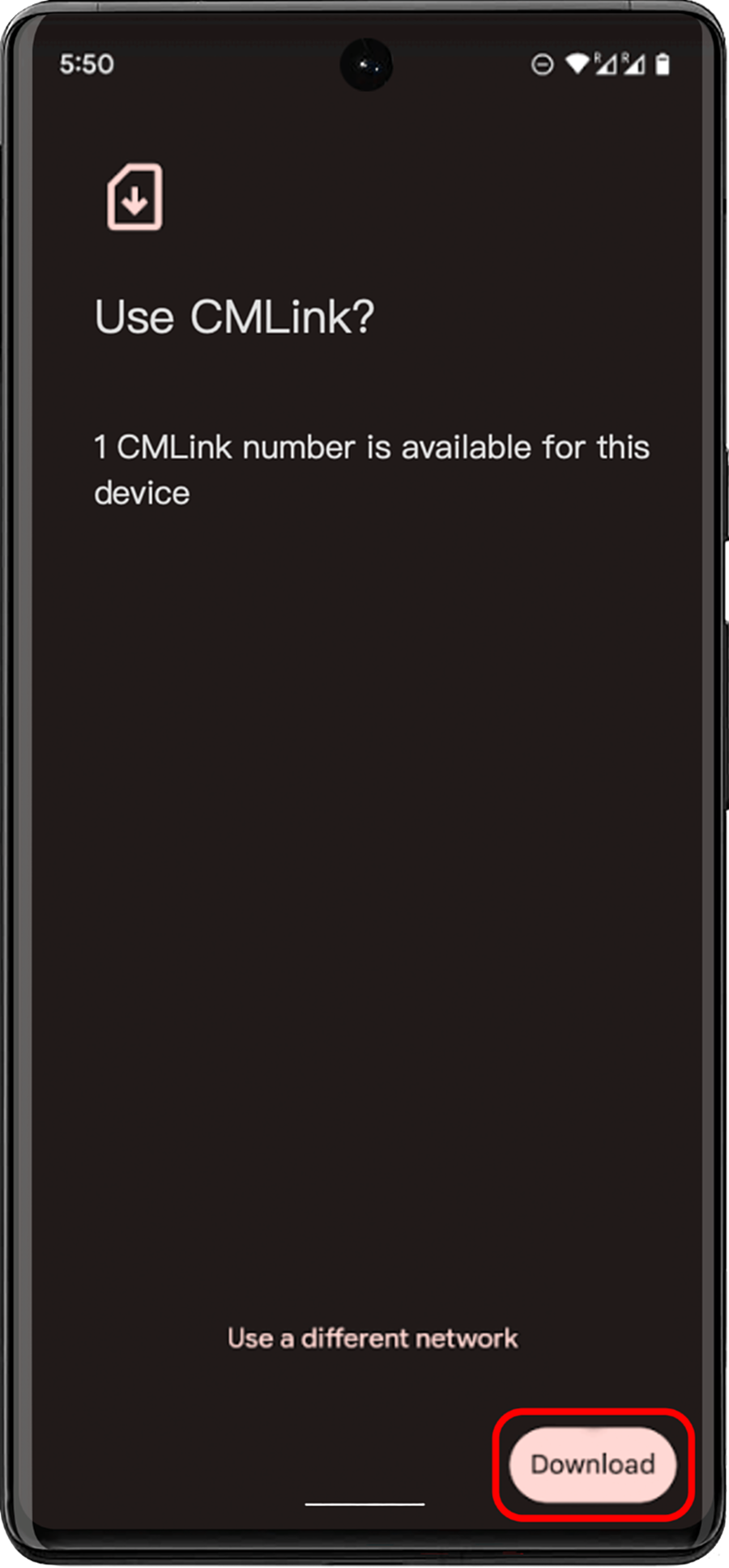
08. Once you have registered your plan, select OK to switch it on. activated eSIM, you can view the following in the SIM card manager